
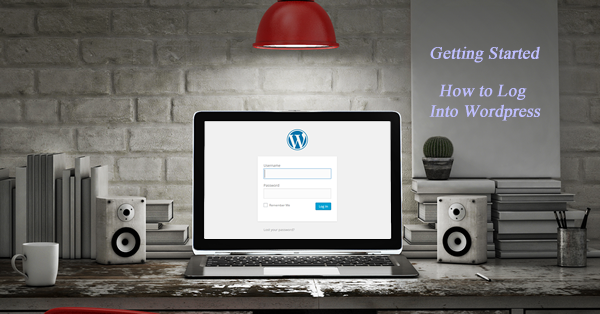
Not sure how to log into your new WordPress account? Here’s what you’ll need:
Link to admin login page
http://www.coastalwaterscreative.com/wp-admin/
Typically this involves your domain name if your wordpress installation is at the root or top of your domain
http://www.coastalwaterscreative.com/mywpfolder/wp-admin
OR it can include your domain name and then the FOLDER your wordpress install was placed.
Your Username and Password
When installing WordPress, you were asked for a username and password. Now is the time to use it.
If you had someone else install WordPress, ask them for the admin username and password for your account.
Still not sure, try yoru most used email address and then click on LOST MY PASSWORD. WordPress will email you a link to change your password.
Now Begin Logging into WordPress
Next step is learning to use your WordPress Dashboard . . .